Google allows changing Gmail addresses in Brazil; see how to do it
Gmail and other Google services showed instability
Stephen Phillips via Unsplash
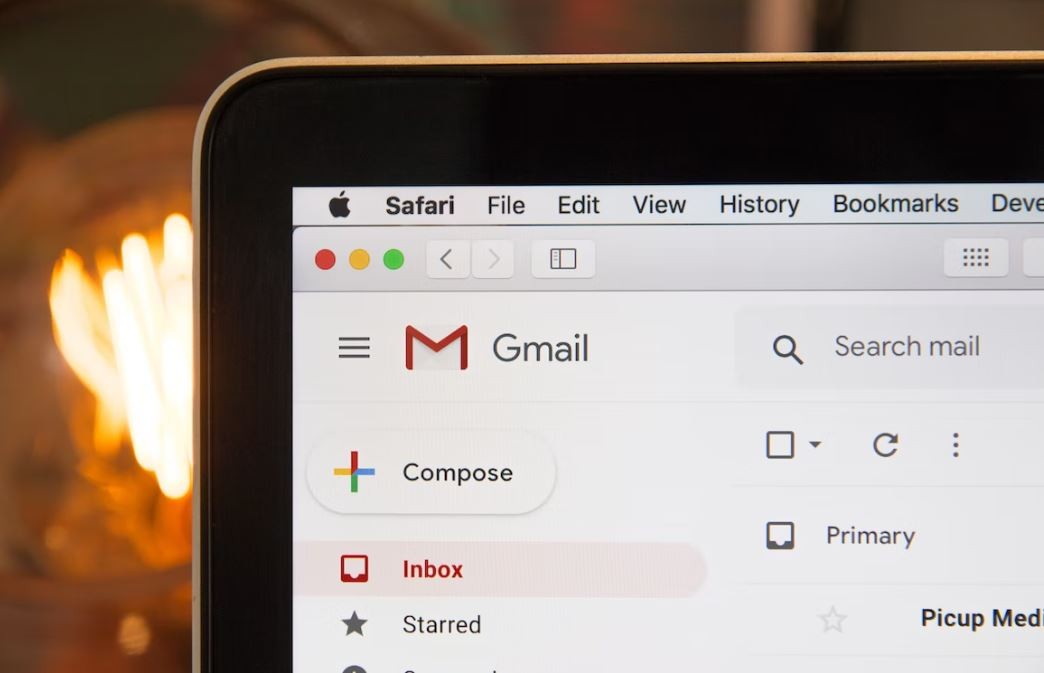
Google started allowing changes in Gmail addresses in Brazil (what is before "@gmail.com"). The new feature had been released in April for users in the United States.
The option to change addresses comes more than 20 years after Google created its email service and was celebrated by the company's CEO, Sundar Pichai. "2004 was a good year, but your Gmail address doesn't need to be tied to it," the executive wrote in April.
Do you have any suggestions for a story? Send it to g1
Users who change their address on Gmail will use the new version to log in to services such as Google Photos and Google Drive, if the account is also used to use these tools.
Another option offered by Google is to change how your name is displayed to people who see your emails. This feature has been available for a long time and can be changed in Gmail (learn more below).
See the videos that are trending on g1
How to change your address in Gmail
To check if you can change your Gmail address, go to myaccount.google.com/google-account-email on your computer and log in if you are not logged in.
In g1 tests, the page displayed the "Change Google Account email" button. Just click on it, type the new address in the "Username" field and select "Change email".
During the change, you need to enter an address that is not yet used by anyone. And, if it is not available to you, Google will inform you that it is still "unable to change this setting for your account".
Gmail address change
Reproduction
With the change, you will still have the right to your old email, which will act as an alternative address and can be used to access your account.
Google also informs that after the change, you will receive emails sent to both addresses and will not be able to create a new email ending in "@gmail.com" to the account for 12 months.
How to change your name in Gmail
To keep your email address but change how other people see your name, follow these steps:
Access Gmail from your computer;
Click "Settings" (gear symbol in the top right corner);
Click "See all settings";
Select "Accounts and import" or "Accounts";
In "Send email as", select "Edit information";
In "Name", write how you want to present yourself in Gmail;
Click "Save changes".
Source: G1