



Leia a noticia completa
Battery life remains the biggest concern for modern smartphone users. Despite significant advances in technology, daily battery life never seems to be enough.
The problem is rarely in the device's hardware, but rather in the overload of virtual processes. Operating systems come from the factory with settings enabled that prioritize connectivity over energy efficiency.
Many of these functions operate invisibly in the background of the system. They consume valuable processing cycles and keep radio antennas active around the clock.

'The Murder of Roger Ackroyd', 100 years old: why was Agatha Christie's novel voted the best whodunit of all time?
The crime writer Agatha ChristieAlamyIn 2013, the British Crime Writers Association (CWA) met to choose, as part of it...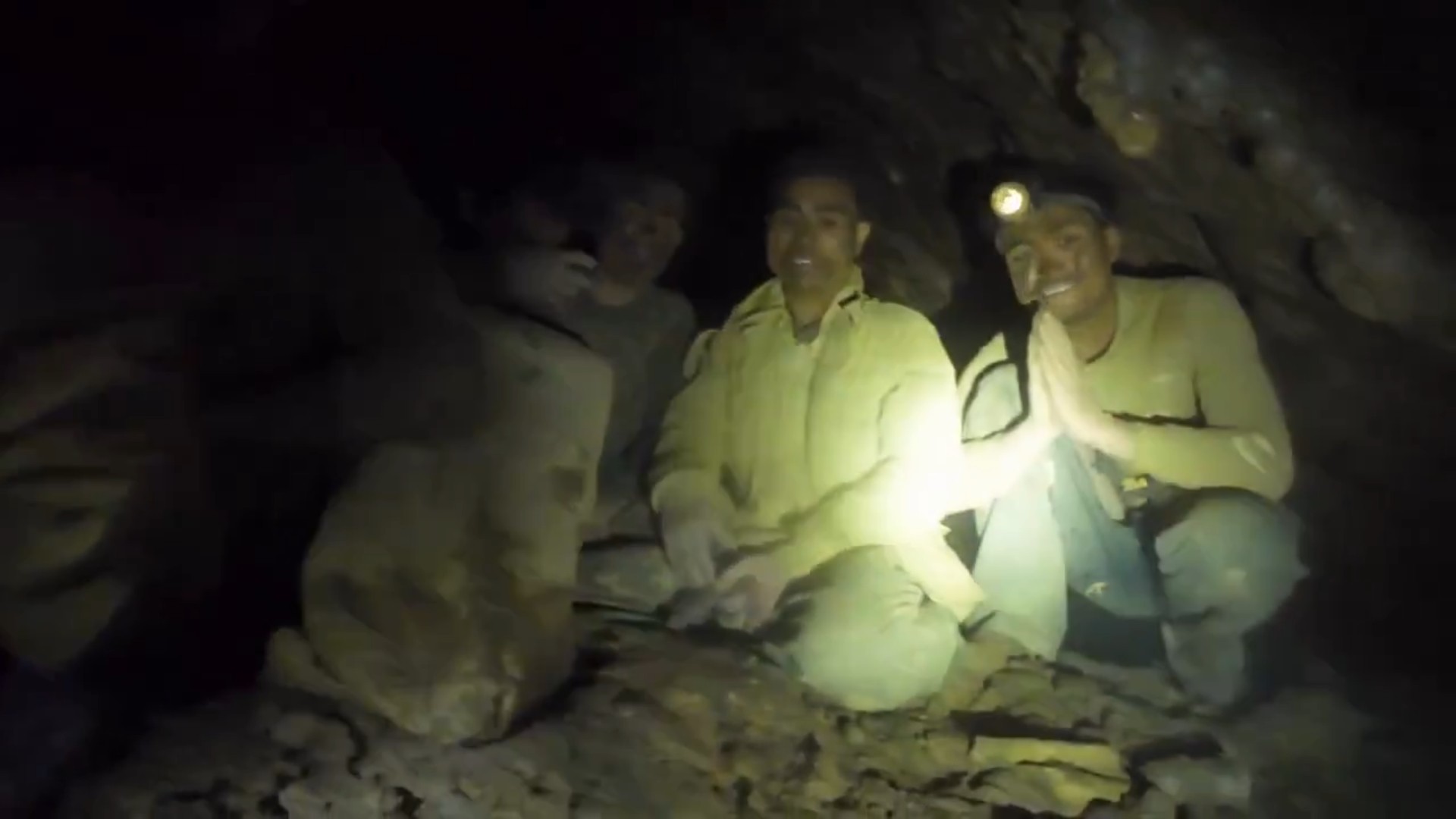
Divers try to bring food to survivors trapped in cave in Laos: 'Getting them out won't be easy'
Watch the moment rescue team finds 5 of the missing in cave in LaosDivers taking part in the rescue of five survivors...
'I thought he was having a stroke', says Joe Biden's wife, about her husband's performance in the debate with Trump in 2024
Former US President, Joe Biden, in a photo with his wife, Jill Biden, and the couple's cat, in an image released on Ma...
Disabling these features does not harm the consumer's daily use experience. On the contrary: this digital cleaning guarantees additional hours of screen time and extends the useful life of the piece. Below, CNN Brasil listed twelve unnecessary tools that can be disabled.
Constant connectivity and invisible tracking
1. Search for Wi-Fi and Bluetooth networks
Smartphones continue to track devices and networks even with connections turned off. This feature improves GPS accuracy but keeps the antennas actively working. The energy consumption of this background scanning is extremely high and completely unnecessary. Go to your location settings and disable this constant search.
2. Background printing services
Most users rarely print documents directly from their cell phone. However, the Android system maintains the default service, constantly searching for local printers.
Toque agora.



This idle process consumes valuable processor resources completely silently. Disabling this function in connection settings improves battery standby time.
3. Tracking in useless apps
Navigation apps need your exact positioning, but games don't. Allowing any software to access your phone's GPS module drains the battery quickly.
The geolocation sensor is the hardware component that requires the most electricity. Review permissions and restrict access only while using the app.
Visual aesthetics that drain energy
4. Live wallpapers
The aesthetics of dynamic wallpapers take a toll on your battery. Live wallpapers require the graphics unit to work continuously.
This constant effort prevents the cell phone from going into deep sleep mode. Replacing this animation with a dark static image saves considerable load.
5. Poorly calibrated automatic brightness
The brightness sensor adjusts the screen light according to the external environment. However, the algorithm often keeps the brightness higher than strictly necessary.
Modern screens are the components that consume the most energy in the device. Turning off auto-brightness and adjusting lighting manually gives you better control.
6. Maximum refresh rate
Displays with 120 Hz refresh rates offer extremely fluid visual transitions. The tradeoff for this smoothness is a drastic increase in overall energy consumption.
Most everyday activities, such as reading texts, for example, do not require this high frequency. Changing the setting to the traditional 60 Hz instantly doubles energy efficiency.
Excessive notifications and syncs
7. Synchronization of old accounts
The cell phone frequently checks remote servers for new emails and contacts. Keeping auto-sync turned on for secondary accounts generates useless data traffic.
Each check wakes up the processor and activates the device's internet modem. Set up manual refresh for emails you check infrequently.
8. Store push notifications
Promotional alerts and game notifications only serve to distract the user during the day. The screen lights up and the device vibrates with each new commercial message received.
The vibration motor consumes a surprising amount of daily mechanical load.
Blocking notifications from non-essential apps silences the device and conserves power.
9. Updates over mobile data
Allowing the app store to download updates over the mobile network also consumes energy. Connecting via mobile data consumes much more battery than a stable Wi-Fi network.
Transferring large files forces the modem to operate at full power. Configure the store to update software only when the device is connected to Wi-Fi.
Idle sensors and assistants
10. Voice assistants listening
Smart features keep microphones on continuously for commands. The system waits for the wake word without interruption, even when the screen is off.
This permanent state of alert consumes valuable resources from the phone's processing unit. Disabling passive voice trigger is an option to reduce battery drain.
11. Keyboard haptic feedback
The slight vibration felt with each tap on the screen simulates a real physical keyboard. This tactile response requires the repetitive actuation of a small internal mechanical motor.
Writing long texts and replying to messages drains battery power quickly on a daily basis. Turning off vibration when you tap keys is a tweak with lasting impact.
12. Submitting diagnostic data
Manufacturers request usage statistics to improve their future electronic products. This occurs silently in the background and uses the cell phone's internet. The user spends his battery to benefit the corporate development of these companies. Refusing to send this diagnostic information stops this invisible energy leak.
5 Android features that will improve your routine; check it out
Source: CNN

Historias das musicas em destaque
 Historia da musica
How to play the classic "Careless Whisper" on the guitar and move anyone in the first chords
27/05/2026
Few songs can create such an intense and nostalgic atmosphere as George Michael's "Careless Whisper." From the first few seconds, the f...
 Historia da musica
Learn to play Chega, the country music that turns pain into a new beginning
27/05/2026
Chega, by Zezé Di Camargo & Luciano, is one of those songs that speak directly to those who are tired of suffering for love. The lyrics...
 Historia da musica
Learn how to play Total Eclipse Of The Heart, Bonnie Tyler's classic that chills the guitar
26/05/2026
Total Eclipse Of The Heart is one of those songs that seems to be born ready to move people. In Bonnie Tyler's striking voice, the song...
 Historia da musica
Learn to play Memonça Boa on the guitar and feel the strength of this passionate fashion
26/05/2026
Membrança Boa, by Traia Véia, is one of those songs that seem simple, but reach straight to the heart. The song talks about the end of...
 Historia da musica
Learn to play Bete Balanço: the Frejat classic that has energy, attitude and an unforgettable chorus
25/05/2026
Bete Balanço is one of those songs that carries movement from the first chord. With lyrics full of image, dreams, risk and youth, the s...
 Historia da musica
Learn to play Star, by Simply Red, the chord that transforms feelings into guitar
24/05/2026
Star, by Simply Red, is one of those songs that mix romanticism, regret and a striking melody, perfect for those who like to play somet...
 Historia da musica
Learn to play Die With a Smile: the emotional ballad by Lady Gaga and Bruno Mars that conquered the world on guitar
24/05/2026
"Die With a Smile" is one of those songs that already looks like a classic. In the meeting of two giant voices of pop music, Lady Gaga...
 Historia da musica
Learn to play Rasgando a Madrugada, Eduardo Costa's perfect song for guitar
24/05/2026
Rasgando a Madrugada, by Eduardo Costa, is one of those songs that seem to be born in the silence of the night. The song carries the we...
 Historia da musica
Learn to play Autor Da Vida, the Oficina G3 classic that speaks straight to the heart
23/05/2026
Learn to play Autor Da Vida, the Oficina G3 classic that speaks straight to the heart Autor Da Vida, by Oficina G3, is one of those son...
 Historia da musica
Learn to play Te Esperando: the exciting country music by Luan Santana that made Brazil sing on the guitar
23/05/2026
Te Esperando, by Luan Santana, is one of those country songs that sticks in your memory because it mixes romanticism, longing and the p...
Mais noticias para voce
 Noticia
27/05/2026
Smuggling and piracy generated record losses of R$514 billion in 2025
Brazil faced losses exceeding R$514 billion due to counterfeiting, smuggling and piracy in 2025, according to the ABCF (Brazilian Association to Combat Counterf...
 Noticia
27/05/2026
Cynthia Erivo hits back at critics who doubt her friendship with Ariana Grande
Actress Cynthia Erivo, 39, spoke in an interview with Variety magazine about her friendship with artist Ariana Grande, during the recording of the box office hi...
 Noticia
27/05/2026
Pará approves law that forces aggressors to pay for electronic ankle bracelets
The Legislative Assembly of Pará (Alepa) approved, this Tuesday (26), a Bill that obliges aggressors of women to pay for the electronic ankle bracelets used as...
 Noticia
27/05/2026
Brazilian dinosaur 'cried' to survive; understand why
A new study suggests that some semi-aquatic dinosaurs, such as Spinosaurus, could "cry salty tears" to eliminate excess salt from their bodies. The research, pu...
Noticia
27/05/2026
How to play the classic "Careless Whisper" on the guitar and move anyone in the first chords
Few songs can create such an intense and nostalgic atmosphere as George Michael's "Careless Whisper." From the first few seconds, the famous solo transports any...
Noticia
27/05/2026
Learn to play Chega, the country music that turns pain into a new beginning
Chega, by Zezé Di Camargo & Luciano, is one of those songs that speak directly to those who are tired of suffering for love. The lyrics bring a strong feeling o...
Participe da conversa
Seu comentario ajuda a manter a discussao viva e ainda convida outros leitores a continuar navegando pelo portal.
Seja o primeiro a comentar esta noticia.